How do you get verified on LinkedIn? What are the benefits of being verified? Are there any disadvantages? What could go wrong in the process? LinkedIn updated its knowledge base article on this topic within the past week.
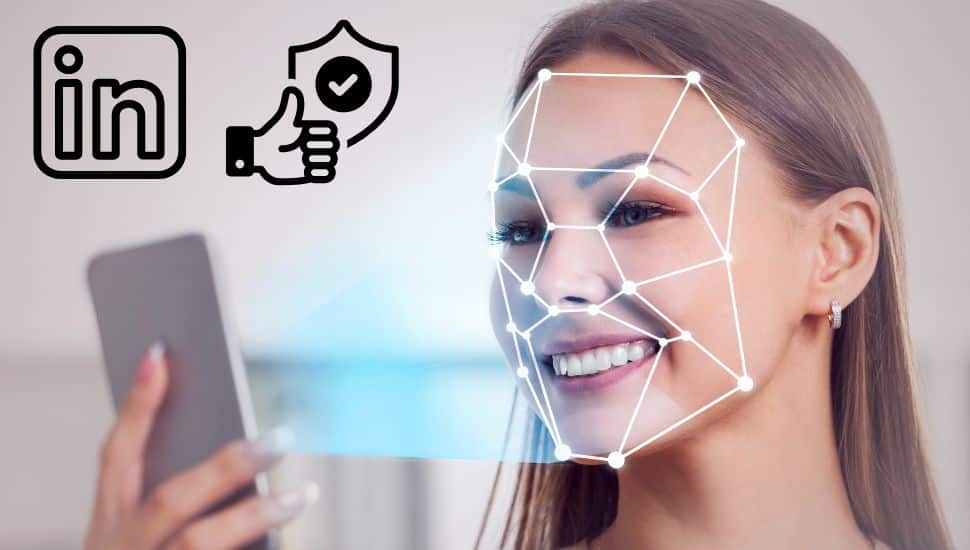
Did you know you can verify your LinkedIn profile using biometrics at no cost? Suppose you have a valid government-issued ID from the U.S., Canada, or Mexico and a personal phone number from one of these countries. In that case, you may be eligible for LinkedIn’s biometric verification through its third-party partner, CLEAR.
How Do You Get Verified on LinkedIn?
LinkedIn offers biometric verification through CLEAR, allowing users to confirm their identity using facial and eye recognition technology. The verification process is available only on the LinkedIn mobile app (iOS and Android) and not on web browsers).
You must have a valid government-issued ID and a personal phone number from the U.S., Canada, or Mexico. Business phone numbers are not accepted.
You can also verify with your work email.
Users must ensure that their LinkedIn profile name matches precisely with their government ID or the verification may be rejected. If a user has a LinkedIn profile in another language, the name must match all profiles. Once verification is completed, a badge will appear on the user’s profile, and LinkedIn may display the issuing country of the ID but will not share the actual ID details.
Please don’t make the mistake I made! My passport did not say Lynne Williams, Ed.D. Candidate. Change your name to match your ID exactly, and then you can change it back after you verify.
What Are the Benefits of Being Verified?
Verification on LinkedIn enhances trust and credibility on the platform. It helps employers, recruiters, and professional connections identify real profiles, reducing the risk of impersonation and fraudulent accounts. Verified profiles may stand out in job searches and networking opportunities as they demonstrate authenticity. Additionally, having a verification badge may increase engagement and response rates from potential employers and connections who prefer interacting with verified users.
Are There Any Disadvantages?
While verification provides credibility, it is not a mandatory feature. Some users may feel uncomfortable sharing their biometric data with a third-party vendor like CLEAR, even though LinkedIn assures privacy and security. Additionally, verification does not guarantee job opportunities or visibility in search results—it simply confirms the authenticity of the profile. Users should also be aware that if they decide to remove their verification badge, they will need to repeat the process if they wish to be verified again.
What Could Go Wrong in the Process?
There are a few common challenges that users may encounter during verification:
- Name Mismatch – Verification may be denied if your LinkedIn profile name does not match your government-issued ID. If you have a secondary LinkedIn profile in another language, ensure the names match across both profiles.
- Technical Issues – The process requires good lighting for the selfie and a clear scan of your government ID. Poor lighting or blurry images may cause the system to reject the verification.
- Phone Number and Location Restrictions – The process can be completed only by users with a personal phone number from the U.S., Canada, or Mexico. Business phone numbers are not accepted.
- Incomplete Submission – After verifying through CLEAR, users must click “Yes, Share” for the verification to be added to their LinkedIn profile. Failure to complete this step will result in the verification not appearing.
How to Verify Your LinkedIn Profile with CLEAR
Follow these steps to complete the biometric verification process:
- Open the LinkedIn Mobile App
- Go to Your Profile
- Click Resources or the . . . Resources icon
- Select “About This Profile”
- Click “Verify Now” to start the verification process
- You’ll be redirected to CLEAR
- Enter your personal phone number or email
- If you do not have a CLEAR account, one will be created for you after entering your email
- Take a clear photo of yourself
- Take a photo of your government-issued ID (driver’s license, state ID, or passport)
- Click “Yes, Share” to send the verification to LinkedIn
- Wait for confirmation to see if your verification was successful
How to Remove LinkedIn Verification
If you want to delete your LinkedIn verification, follow these steps:
- Click Me (your profile picture in the menu bar)
- Select Settings & Privacy
- Scroll to Verifications under Account Preferences
- Confirm deletion (this action cannot be undone)
If you encounter any issues, check LinkedIn’s troubleshooting tips.
What’s Next for LinkedIn Verification?
Currently, LinkedIn biometric verification is available through CLEAR in the United States, Canada, and Mexico, but additional third-party partners may be added in the future to expand verification options worldwide.
Verifying your identity on LinkedIn can enhance trust and credibility on the platform, making it easier to network, search for a job, and establish professional connections.
CLEAR verification is similar to getting a TSA Pre-check when flying, but you must pay for the CLEAR membership for airport security access. If you already have that membership, you can continue to use it on LinkedIn. If you verify solely for LinkedIn, there is no charge.
Did you read the article from last week? Transition from a federal Job or Other Layoff
NEXT STEPS
- Subscribe to my newsletter on LinkedIn™ for bright ideas on how to manage your career.
- If you need a resume or LinkedIn™ profile to get you to your next step, book a call to chat! Can’t beat a free discovery call!
- Join as a member at https://greatcareers.org/membership of the #1 business networking association on the Philadelphia Business Journal’s Book of Lists five years in a row!
- To support our charity at KeepOnSharing.com and use the referral code Career
- Follow #GreatCareersPHL
UPCOMING EVENTS
Check out our Nonprofit Events Quick List Page
- Tues Mar 18 – The Emotional Side of Job Transition and Job Loss
- Tues Mar 18 – Lehigh Valley Business Executives Networking Group
- Wed Mar 19 – Mastering STAR Stories for Behavioral Interviews for (OACETT)
- Thu Mar 20 – Recruiter on Call with Jobs
- Thu Mar 20 – Resume First; LinkedIn Next: The Smart Strategy for Job Seekers
- Tue Mar 25 – Business Executives Networking Group
- Wed Mar 26 – Secrets of Empowering Negotiation
- Thu Mar 27 – Career Success Group Job Seeker Accountability & Networking
- Mon Mar 31 – Navigating Layoff & Job Search
- Mon Mar 31 – Gamify Your Career Path
- Mon Mar 31 – Immigrant Professionals Career Support: You Have a Voiuce; It Deserves to Be Heard